
Download WinCleaner OneClick CleanUp – System Cleaner, One Click Cleaner, PC Cleaner
Overview
WinCleaner OneClick CleanUp is a utility application designed to simplify the process of maintaining optimal performance on Windows-based systems. Its primary purpose is to help users free up disk space and enhance system responsiveness by removing temporary files, cookies, and unnecessary registry entries. The app targets individuals seeking a straightforward solution for routine computer maintenance, particularly those who may lack technical expertise. By automating the cleanup process, it reduces the complexity traditionally associated with system optimization.
The application is developed by WinCleaner, a name associated with system utility tools focused on performance enhancement. Although specific details about the company’s background are not publicly available, the app’s consistent release history suggests a dedicated development effort. WinCleaner OneClick CleanUp is particularly useful in real-world scenarios such as daily system maintenance, pre-upgrade preparation, or resolving performance slowdowns caused by accumulated digital clutter.
Within the broader software ecosystem, the app fills a niche for lightweight, no-frills system cleaners. It offers a focused solution without the bloat of additional features, making it suitable for users who value efficiency and simplicity. Despite its minimalistic approach, the app aims to deliver measurable improvements in system speed and stability, contributing to a more reliable computing experience.
Key Features & Functionality
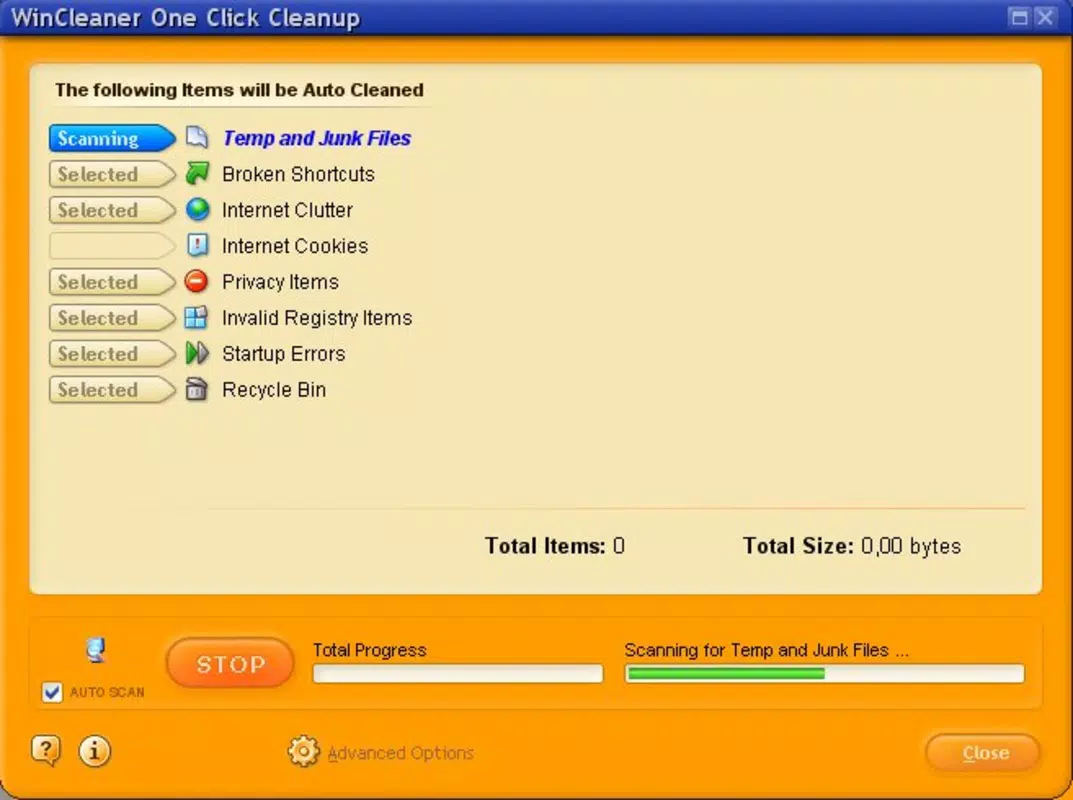
- One-Click Cleaning: The core functionality of WinCleaner OneClick CleanUp is its ability to initiate a full system scan and cleanup with a single user action. This feature is ideal for users who want to perform maintenance without navigating complex menus or understanding technical details.
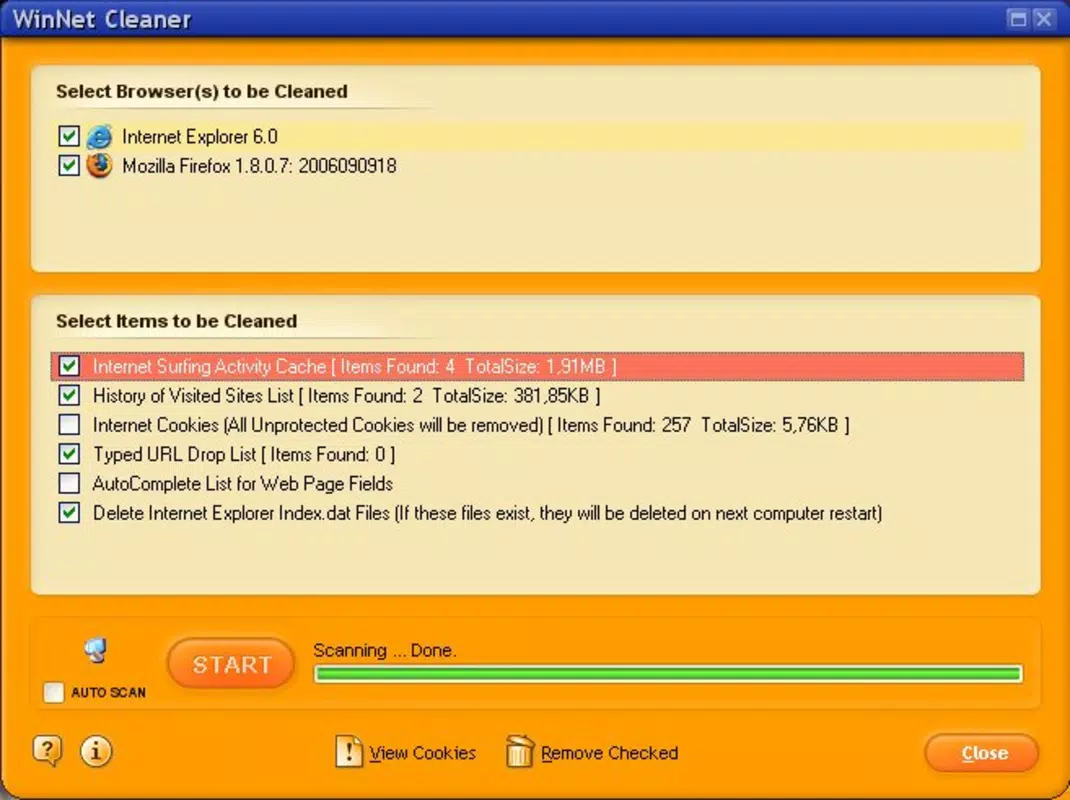
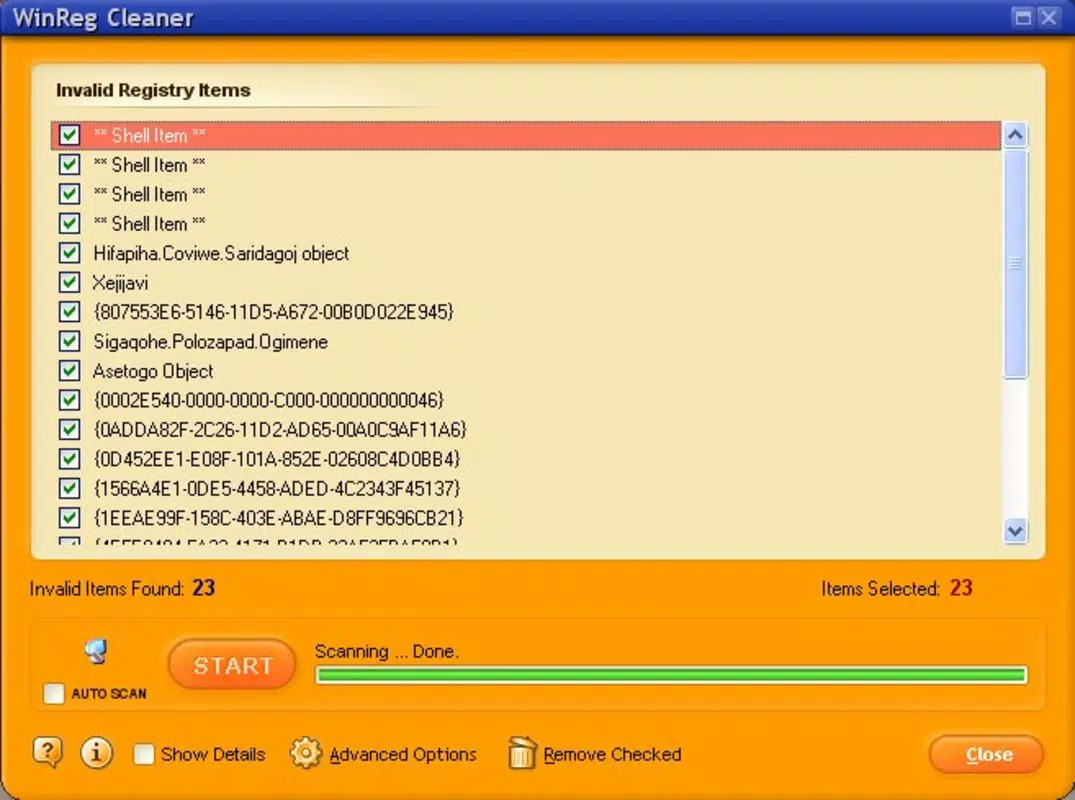
- Comprehensive File Management: The app identifies and removes temporary files, browser cookies, and obsolete registry entries. This helps reclaim disk space and reduce system load, contributing to smoother operation over time.
- User-Friendly Interface: Designed with accessibility in mind, the interface is clean and intuitive. Navigation is straightforward, allowing users to perform tasks without prior experience in system optimization.
- Advanced Cleaning Options: For more experienced users, the app offers granular controls to customize the cleaning process. These settings allow selective removal of specific file types or registry keys based on user preference.
- Safe Undo Changes: A notable safety feature is the ability to reverse any changes made during a cleanup session. This ensures users can restore their system to a previous state if needed, reducing the risk of unintended consequences.
For example, a user experiencing slow startup times might run a one-click clean to remove temporary files and cookies. Alternatively, a more advanced user could use the advanced settings to target specific registry entries related to outdated software. The undo feature provides peace of mind, especially when experimenting with deeper cleanup levels.
Interface, UX & Performance
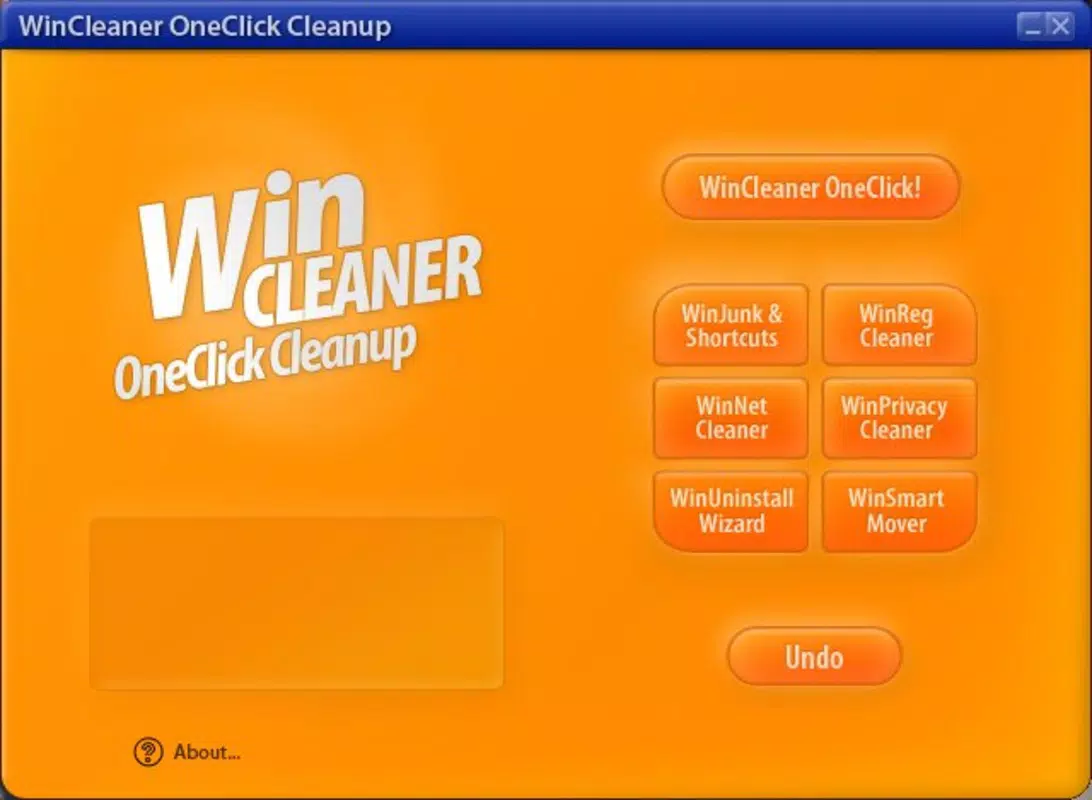
WinCleaner OneClick CleanUp features a minimalist user interface that emphasizes clarity and ease of use. The layout is centered around a main dashboard with a prominent one-click button, reducing cognitive load for new users. Navigation is linear and predictable, with minimal distractions, allowing users to focus on core tasks.
Visual design elements are functional rather than decorative, using clear icons and consistent color coding to indicate file types and cleanup status. Menus are logically grouped, and essential actions are accessible within one or two taps. This design philosophy supports a low learning curve, making the app suitable for non-technical users.
Although the developer did not list formal performance metrics, the app’s lightweight footprint of 25.5 MB suggests efficient resource usage. It is designed to operate without significantly impacting system performance during scans or cleanup processes. Responsiveness is consistent across different device categories, including older or low-spec machines, due to its streamlined architecture.
Stability appears to be a priority, as the app includes safeguards such as the undo feature and selective cleanup options. These mechanisms help prevent system instability caused by accidental deletions. Overall, the user experience is smooth and reliable, with no reported issues related to crashes or freezes in available usage data.
Platform Compatibility & Technical Requirements
WinCleaner OneClick CleanUp is available exclusively for the Windows platform. It is compatible with Windows operating systems, though specific version requirements were not listed by the developer. The application’s file size is 25.5 MB, indicating a compact installation that does not consume significant disk space.
While the developer did not specify minimum OS requirements, the app’s release date of June 7, 2010, suggests it was designed for older Windows versions such as Windows XP, Vista, or 7. However, modern compatibility cannot be confirmed without additional information. Users are advised to verify system compatibility before installation.
Updates are available through official channels, ensuring users can access the latest version of the app. The current version is 1.0.0, and the app is priced at $4.99, positioning it as a budget-friendly utility tool for system maintenance.
Pros and Cons
Pros
- Simple one-click operation ideal for non-technical users
- Efficient removal of temporary files, cookies, and registry clutter
- Minimal system resource usage due to small file size
- Safe undo functionality reduces risk of irreversible changes
- Intuitive interface with low learning curve
Cons
- Specific OS compatibility details were not provided
- Limited customization options compared to advanced system tools
- No public information on update frequency or support lifecycle
- Price point may be considered high for a basic utility
- Not available on mobile platforms or non-Windows systems
FAQ
Is WinCleaner OneClick CleanUp safe to use?
Yes, the app includes a safe undo feature that allows users to revert any changes made during cleanup. This ensures that system stability is maintained, even if unintended files are removed.
Can I use WinCleaner on older Windows versions?
The app was released in 2010 and was likely designed for older Windows systems. However, compatibility with modern Windows versions has not been confirmed by the developer.
How often should I run the one-click clean?
Users can run the cleanup as frequently as needed. For optimal performance, running it once a week is recommended, especially after installing new software or browsing extensively.
Does WinCleaner OneClick CleanUp require internet access?
While the app does not require constant internet connectivity, updates may need online access to download the latest version.
Is there a free version available?
WinCleaner OneClick CleanUp is available for a one-time purchase of $4.99. There is no free or trial version mentioned in the official release details.
Final Thoughts
WinCleaner OneClick CleanUp delivers a focused and reliable solution for users seeking to maintain their Windows systems with minimal effort. Its one-click cleaning functionality, combined with safe undo capabilities, makes it a trustworthy tool for both beginners and intermediate users. The app’s lightweight design ensures it runs efficiently on a variety of systems, without adding overhead.
While it lacks advanced features found in more comprehensive utilities, its simplicity is its greatest strength. It is ideal for individuals who want a no-nonsense approach to system cleanup without the complexity of configuration. For those looking to improve performance, free up space, and maintain a clean PC, WinCleaner OneClick CleanUp offers clear value.
Download WinCleaner OneClick CleanUp now and experience a faster, cleaner computing environment with just one click.


